


Prompt → video


Trusted by 5M+ creators
Create AI Videos & Images
Explore our AI video generator and image tools in one platform. Start creating in seconds. Free to try, no sign up, nothing to install.
Start Creating Free
Free to try · No card required
Popular starts


Built for Creators. Trusted by Teams.
Trusted by 5M+ creators and 2K+ teams at
Start with what you want to make
Choose a focused workflow for AI video generation, image generation, or editing. Core tools are free to try without signing up.

One creative studio or a stack of separate apps?
Magic Hour brings AI video generation, image creation, editing, and production APIs into one workflow.
| CriteriaWhat matters | Magic Hour | Separate apps |
|---|---|---|
WorkflowWorkflow | One studioCreate, edit, and finish in one studio | Move filesMove assets between specialist apps |
StartGetting started | Try before signupTry supported core tools before signup | Signup variesSignup rules vary by app |
AccountAccess | One account + balanceOne account and credit balance | Separate billingSeparate accounts and billing |
ModelsModel choice | Choose by taskChoose from supported models by task | Access variesModel access varies by app |
ProductionProduction | Web + API + SDKsWeb tools, REST API, and SDKs | Varies by providerIntegration varies by provider |
25,000+ Templates.
Zero Blank Pages.
Choose a template and publish. Perfectly sized for every channel.
Explore Templates
For teams & agencies
Create campaign assets at scale
Use the studio for hands-on creation or the API for repeatable image and video workflows.
Campaign workflow
Personalize content with one reusable workflow
Use the Magic Hour API for supported face swap, virtual try-on, and personalized image and video workflows.
For developers
Build with the Magic Hour API
Generate AI videos and images from text or media through one REST API, with SDKs for Python, Node, Go, and Rust.
POST /v1/image-to-videoREST API
from magic_hour import Client
from os import getenv

client = Client(token=getenv("MAGIC_HOUR_API_KEY"))
res = client.v1.image_to_video.generate(
    assets={"image_file_path": "/path/to/1234.png"},
    end_seconds=5.0,
    name="Image To Video video",
    resolution="720p",
    wait_for_completion=True,
    download_outputs=True,
    download_directory="."
)Independent reviews
Original sources
“I've stopped all other AI subscriptions and just stick with Magic Hour for everything content related.”
Mabel
Video production agency lead
“My editing time went from 3 hours to 20 minutes per shoot. ... Finally have my evenings back.”

Rachel Thompson
Freelance Photographer
Created with Magic Hour · shown live
Magic Hour on the Dallas Mavericks jumbotron
The Mavericks creative team used Magic Hour to create an anime-inspired hype video for fans watching live at American Airlines Center.
View the original post“Super fun AI automation… done by @magichourai. Photo of my grandfather 90+ years ago taken in Tokyo.”

Bill Tai
ACTAI Ventures
“The AI Image Editor tool is amazing! It saves me so much time from manually editing an image or outsourcing it to an editor, and is so straight-forward/simple to use.”

“I've been using MagicHour for more than 6 months now, We primarily use it to generate UGC marketing content and Ad creatives -- it is much more price efficient than the current aggregators on the market and the quality is definitely worth the price!”
“I've been able to create more ads and marketing content, as well as create assets for my applications.”
“It’s helped us sell more shirts. Customers try items virtually, spend longer on pages, and add to cart more often.”
“about 30K people try the face swap daily. The API handled that scale easily and was fast and easy to integrate.”

“The voice generator and voice cloner are quick, simple, and sound natural. I was making great voiceovers within minutes of starting.”
“Sorry y’all. I can’t get enough of these NBA edits (via @jnglert, h/t @magichourai).”

“The output is high-fidelity enough to use in actual projects without a ton of editing.”

Explore Magic Hour
One creative studio, from first prompt to final file
Swap faces, sync lips, animate talking photos, and edit existing images and videos. Start from your own media or a ready-made template, then continue in supported tools.
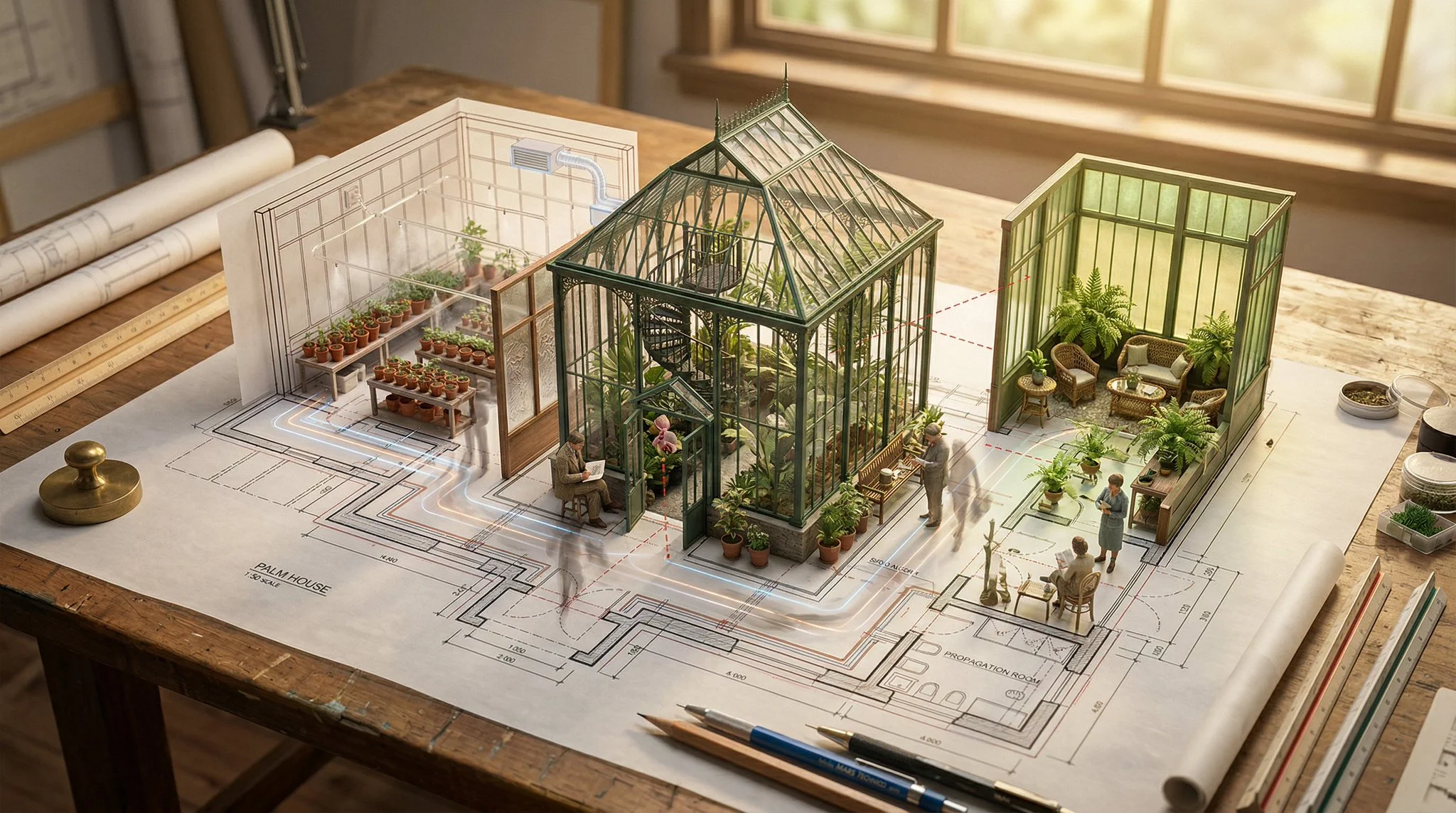
Images & editing
Start creating before you sign up
Try core tools free. Upgrade when you need more volume.
Unused credits never expire
Packs without a subscription
One web + API credit balance
Frequently Asked Questions
Yes. You can try supported AI video generation, AI image generation, and image editing tools for free, with no credit card. Free usage and available modes vary by tool. When you need more credits, higher-resolution exports, faster queues, or paid models, compare the paid plans.
No. Supported free tools can be tried without an account. Sign up when you want saved projects, account-specific credits and rewards, or a workflow or model that requires an account. You can browse the available starting points on the create page.
It depends on the workflow. Start with a text prompt for text-to-video, upload an image for image-to-video, combine an image with instructions in the AI image editor, or add audio or text to a photo or video with lip sync or talking photo. Each tool shows the inputs it supports.
Depending on the tool, Magic Hour creates downloadable images, video clips, GIFs, or audio. Many image tools offer watermark-free outputs for free users; watermark behavior varies by workflow. Free video and audio may include a watermark. Paid subscriptions and one-time credit packs remove watermarks where applicable; higher resolutions and faster queues depend on your subscription plan. See the pricing page for current limits.
You own the assets you create, subject to the Terms of Service. Customers with a paid subscription, a credit-pack purchase, or a separately agreed paid usage-based billing arrangement may use outputs commercially. Outputs created without one of these paid arrangements are limited to personal, non-commercial use. You are still responsible for having the rights to uploads, faces, music, brands, and other third-party material.
Start with the workflow and input you already have. The model library labels models for text-to-video, image-to-video, reference-to-video, text-to-image, and image editing. In supported generators, use the model selector to compare compatible options. Model availability can vary by plan.
Have more questions? Visit our full FAQ or contact support.